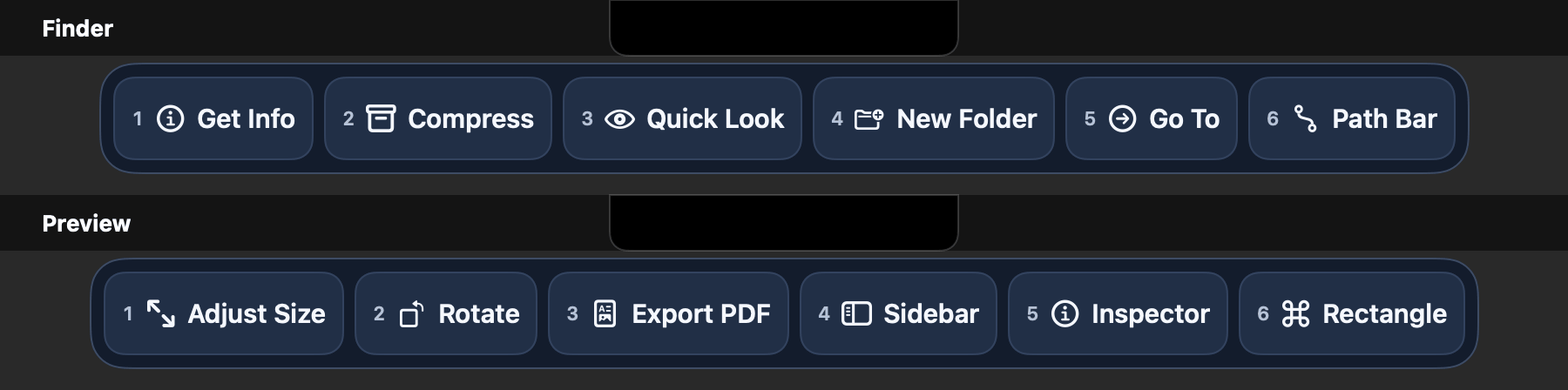
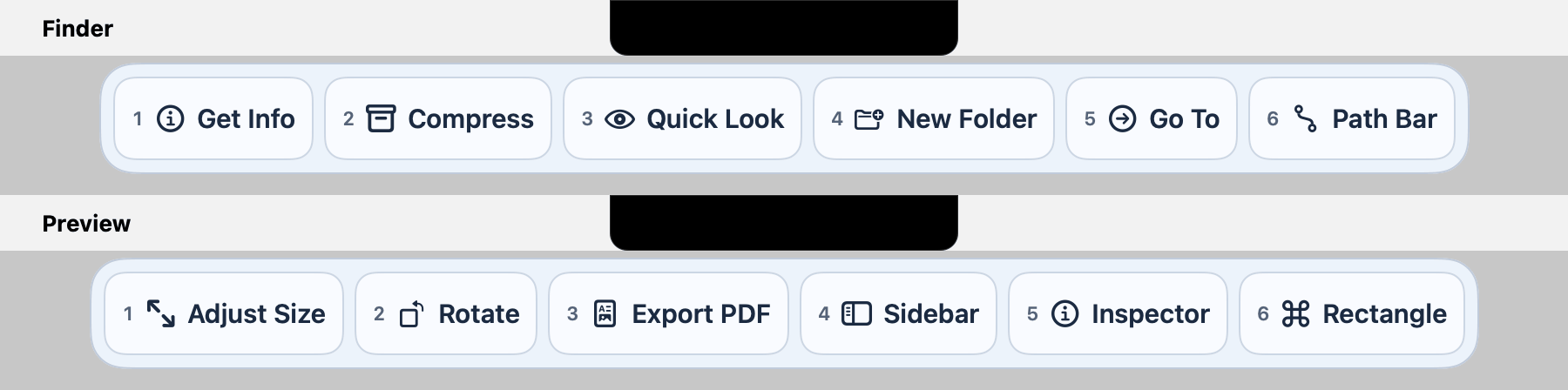
The right buttons for every app, the moment you open it.
No setup. Keystrip builds each app's buttons from that app's own menus and shows them in a strip under the notch. With Pro, Suggest then offers buttons for the commands you actually use in Keystrip.
Free forever · 14-day free trial of Pro · no account or card · Requires macOS 14 Sonoma through macOS 27 on a Mac with Apple silicon, with or without a notch.
SafariFileEditViewWindowHelp
Reader
Pin Tab
Duplicate
Translate
Clear Cache
Copy Link
The Keystrip strip under the notch for Safari: Reader, Pin Tab, Duplicate, Translate, Clear Cache, Copy Link.
Pro curated set shown. Free shows up to 4 automatic buttons.
How it works
Three steps, and you did one of them.
1
Open the strip
Rest the pointer on the notch or click it, or press Control-Option-Space. Opening from the notch works with the strip at the top and can be turned off in Settings. No notch? The shortcut opens the strip at the top centre of the screen, just under the menu bar, on an iMac, a Mac mini or Mac Studio, or a MacBook with the lid closed.
2
The buttons are already there
Keystrip reads the menus of the app in front and picks useful commands: four on Free, six with Pro. Switch apps and the strip switches with you. Click a button (with Pro, press its number).
3
Suggest fills in the rest Pro
With Pro, Suggest offers buttons for what you use. Run a command from Keystrip three times in a week and it asks whether that command should get a button. Not Now asks again in two weeks; Never for This stops for good. At most one question a day, worked out on your Mac.
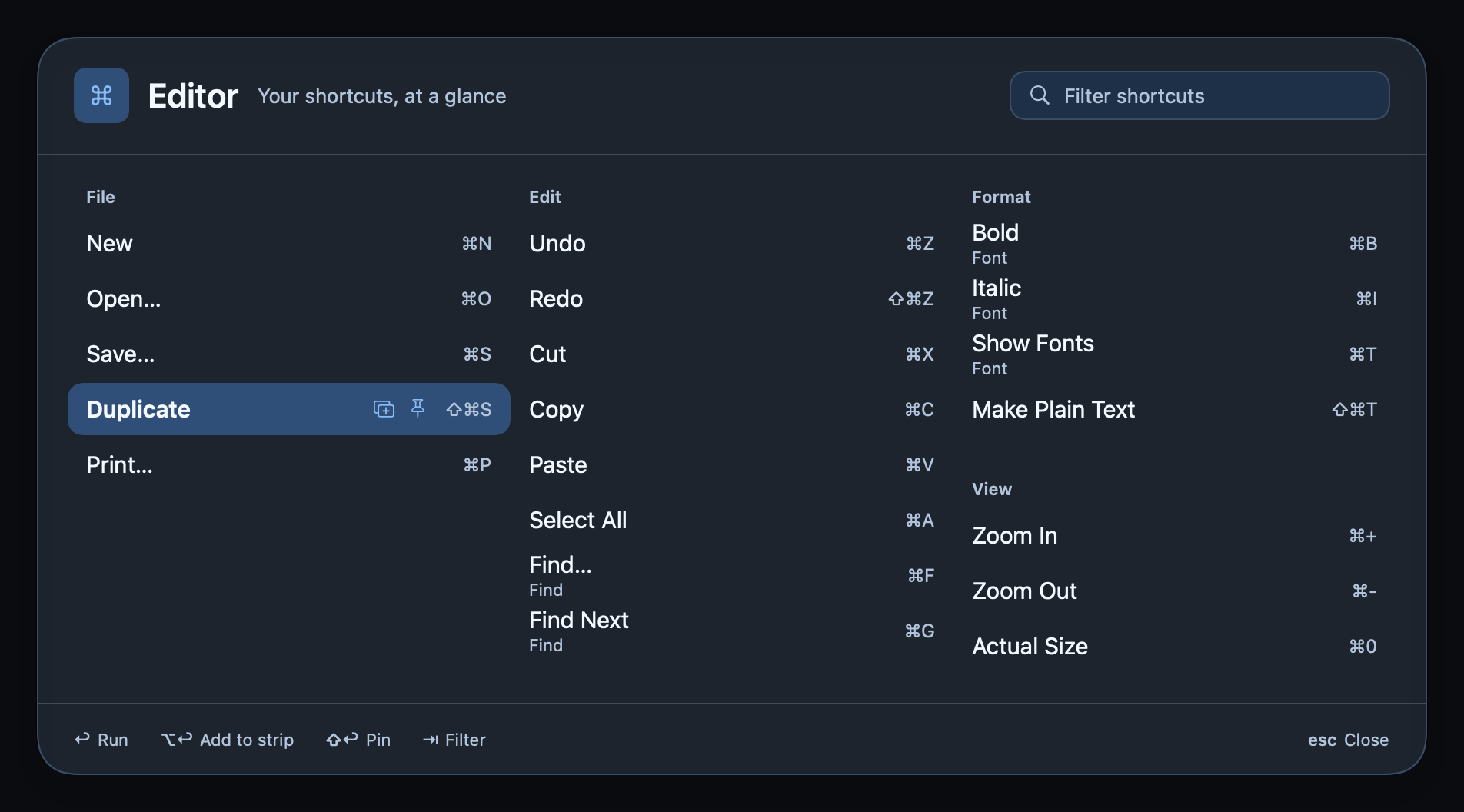
Also there when you want it: pin your own commands, and with Pro, hold ⌘Command for a second to see a cheat sheet of every shortcut in the app in front, or record a keyboard shortcut as a button.
Features
Less hunting through menus.
Knows the app in front
Nothing to set up. Switch apps and the buttons change, built from that app's own menus.
Hold ⌘Command for a cheat sheet Pro
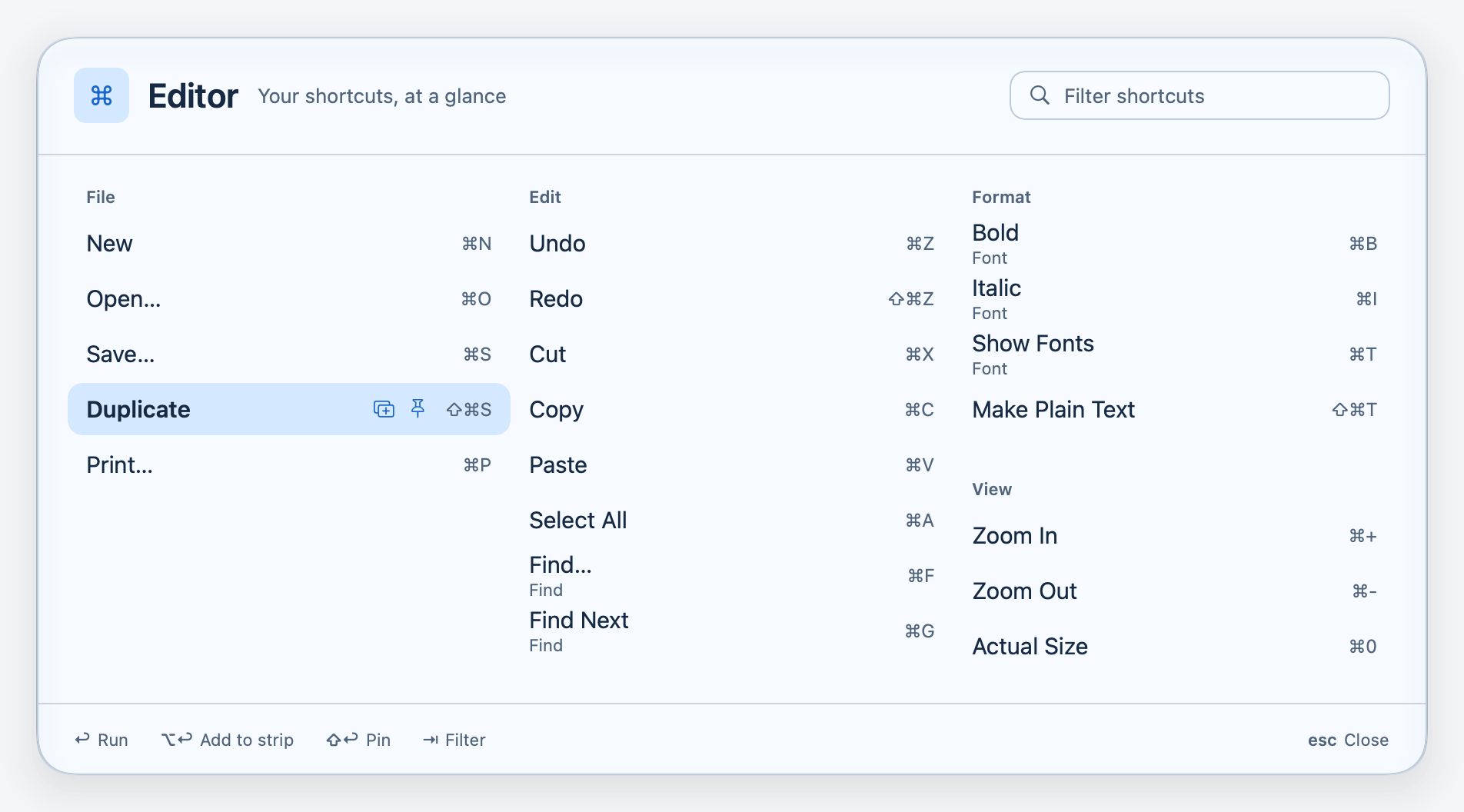
Every keyboard shortcut in the app in front, grouped by menu. Type to filter, or add one to the strip.
Live and meeting controls
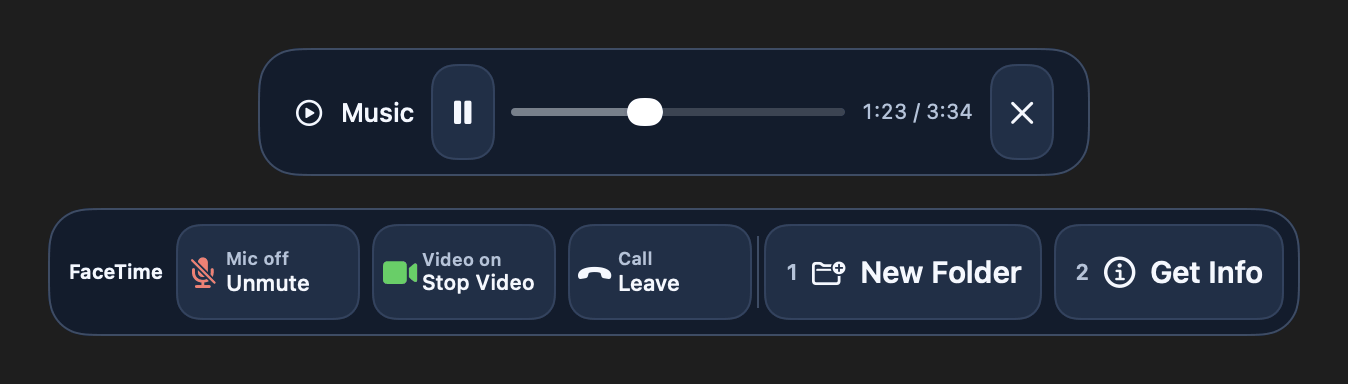
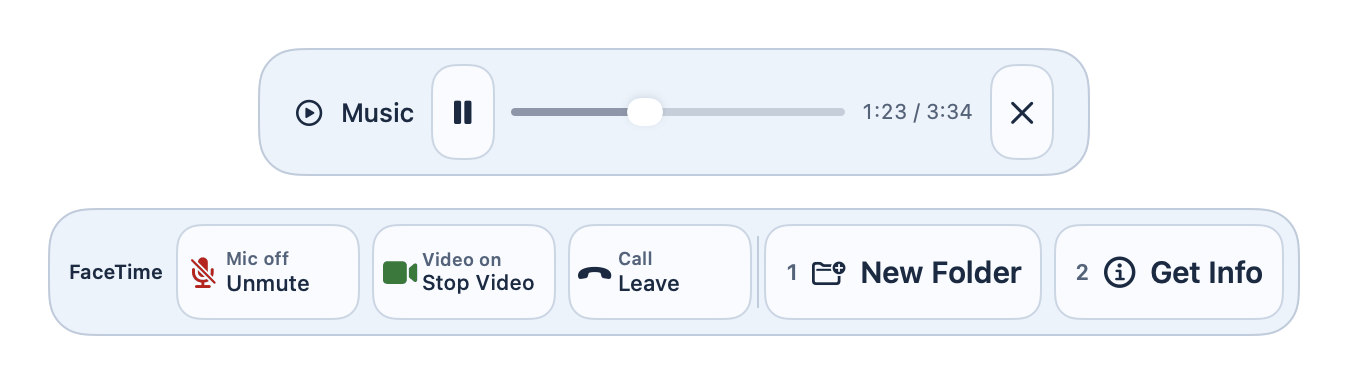
Play, pause and scrub music right from the strip. Leave a call from the strip; with Pro, mute and camera toggles too.
Strip Editor and number keys Pro
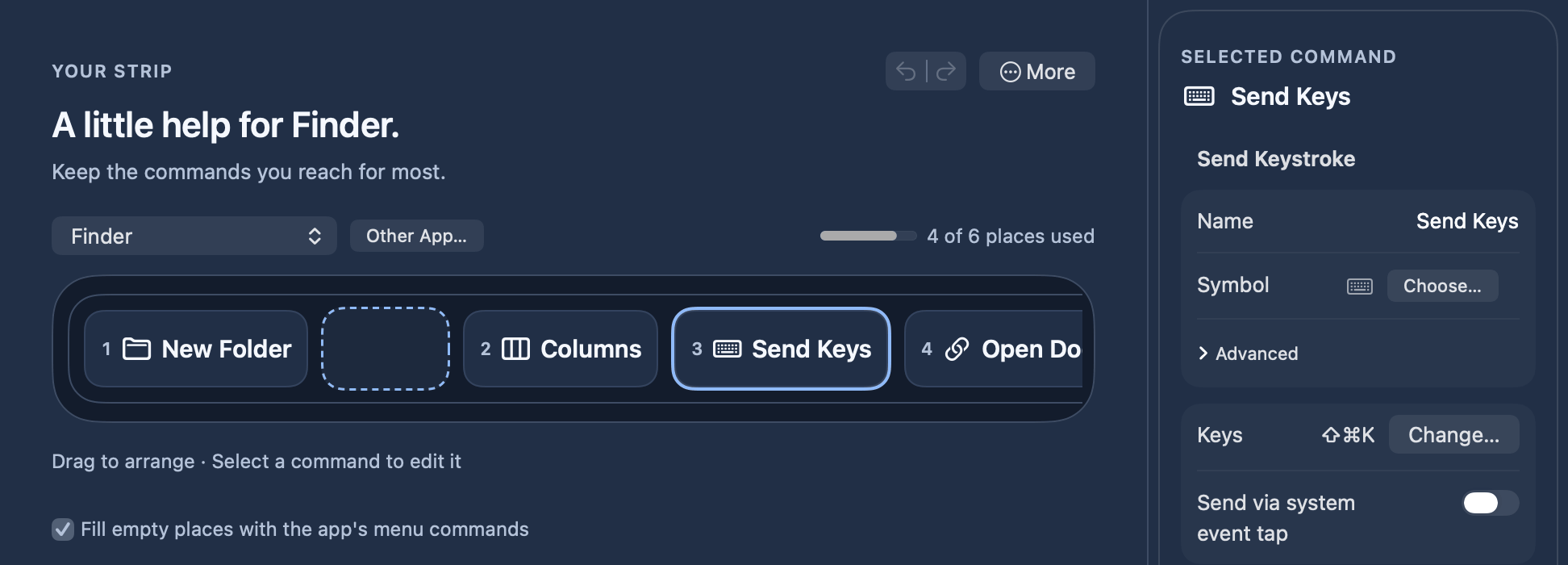
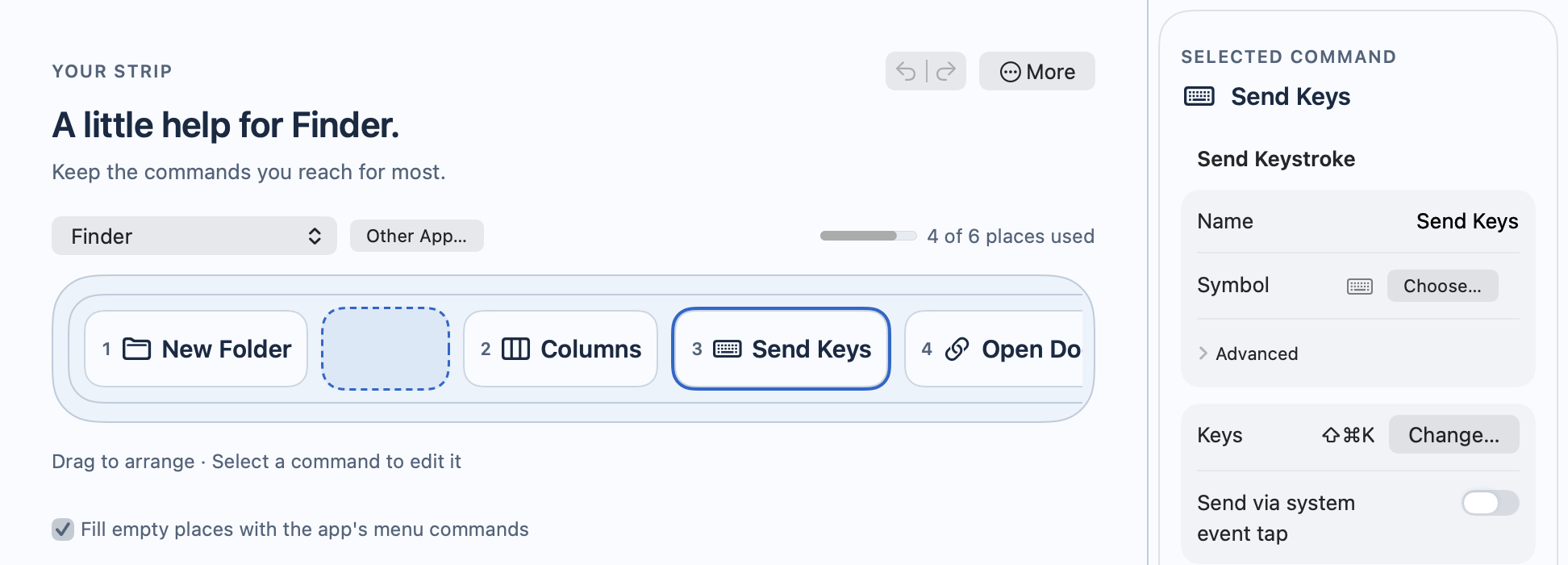
Drag commands into place, record a keyboard shortcut as a button, and press 1–6 to run a button.
Which apps work
If it has a menu bar, it has a strip.
Any app with a menu bar
Keystrip reads the menus of whatever app is in front. With Pro, common apps come with a curated set of buttons.
Apps with full menus work best
Finder, Safari, Preview, Mail, Notes, Pages, Keynote, Numbers, Xcode and most other Mac apps.
Fewer buttons with some apps
Apps built with web technology (Electron) usually put only a few commands in their menu bar, so Keystrip has fewer buttons to offer there. Results may vary with each app's Accessibility support.
Permissions and privacy
One permission. Nothing leaves your Mac.
macOS Accessibility permission
Keystrip needs it to read an app's menu bar and press the command you choose. macOS asks you once.
Nothing else up front
Keystrip doesn't ask for Screen Recording or Input Monitoring. Optional live controls (such as music playback) ask macOS for permission to control that app the first time you use them.
Stays on your Mac
Your strips, settings and the counts Suggest (Pro) uses are stored locally. Menu search in your own words (Pro) runs on Apple's on-device model. Keystrip itself goes online only to check for updates (about once a day, sending nothing about you) and to check your license. Buying happens in your browser, and links or scripts you add as buttons do what you set them to. What leaves your Mac
No tracking
No account, no analytics scripts and no trackers, on this page or in the app. Cloudflare only counts downloads, anonymously.
Pricing
Free forever. Pro once.
Free
$0 forever
A strip under the notch from each app's own menus, for any app
14-day free trial of Pro on first launch, no account or card needed. After it, Free keeps working and nothing you made is deleted. 14-day refund, no questions asked.
Payment is handled by our reseller, Polar, the merchant of record. Prices may include sales tax or VAT depending on where you live.
Questions before you buy?
Join the Keystrip community. Ask the developer and other users, share feature ideas, and hear about new versions first.
Yes. Keystrip is free forever, and every Pro feature works for 14 days, with no account and no card. After that Keystrip keeps working with the free features; Pro features pause until you add a license key, and everything you set up is kept.
Which apps work?
Any app with a menu bar. Apps with full menus work best; apps built with web technology (Electron) often offer only a few commands. See Which apps work.
Will it run on my Mac?
Keystrip runs on macOS 14 Sonoma through macOS 27, on any Mac with Apple silicon. Intel-based Mac computers aren't supported. It works with or without a notch: on a MacBook with a notch, it opens from the notch; on an iMac, a Mac mini, a Mac Studio, or a MacBook with the lid closed, the keyboard shortcut opens it at the top centre of the screen. Free shows the strip on one display: the built-in one, or the main display if your Mac has no built-in display. Pro can use any display.
How many Mac computers can I use it on?
One license covers up to 2 Mac computers that you own or use. You can move it to another Mac computer by deactivating it in Settings, under License.
Is it a subscription?
No. Free costs nothing, and you pay $15 once for Pro ($9 at the launch price until 30 November).
Are updates free?
Yes, updates are included with your license, as set out in the license agreement. Keystrip checks for a new version about once a day and asks before installing it, or choose Check for Updates… in its menu at any time; you can turn the automatic check off in Settings. If you have version 1.0.0, download the new version once from your Polar customer portal or the Download page.
Why does macOS warn when I open it?
Keystrip is sold directly and isn't notarized by Apple yet, so macOS asks you to confirm the first time. It takes about a minute. Step-by-step install guide
Why does it need Accessibility?
To read the menu bar of the app in front and press the command you click. Keystrip doesn't type for you, except for keyboard shortcuts you record as buttons yourself and, in a Pro curated set, an app's own shortcut when its menu has no such item. If menus stop reading after an update, choose Check Accessibility Permission… from the Keystrip menu bar icon and follow the guide.
What leaves my Mac?
The update check sends nothing about you (no key, no settings, no system profile). The license check sends your key, an activation id, the computer name as a device label and Keystrip's store account id. Suggest's counts (Pro) never leave your Mac, and menu search in your own words (Pro) uses Apple's on-device model, so your words and the menu titles stay on your Mac. Spotlight and Shortcuts actions run on your Mac. Buying sends your purchase details to the reseller. Downloads from this site are counted anonymously: one number per day, nothing about who downloaded. Privacy policy
Can I get a refund?
Yes, within 14 days of purchase, no questions asked. Refund policy